Spotable: finding accessible venues and routes
Spotable
Helping people navigate the world with confidence.
UI, UX, Accessibility
Helping people navigate the world with confidence.
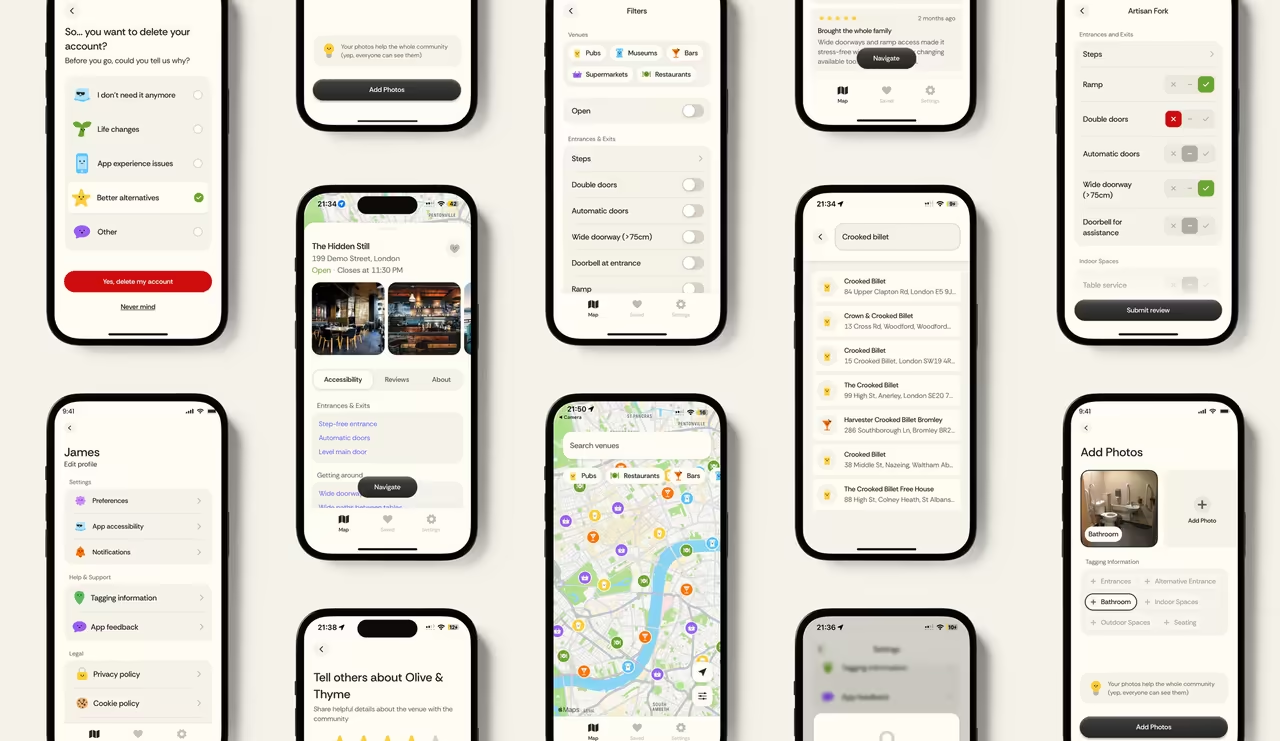
A personal project my brother and I built for our disabled cousin, helping him find accessible venues and accessible routes.
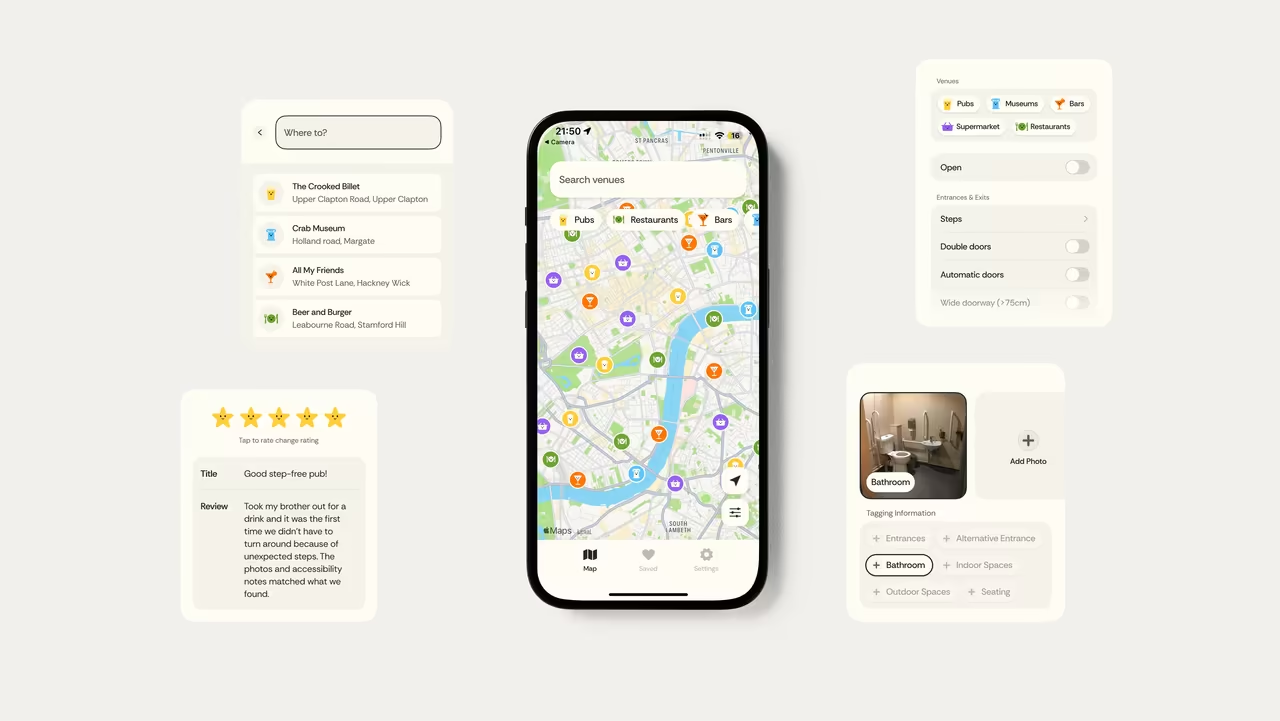
Why this project matters
While accessibility information exists, it's often fragmented, outdated, or difficult to trust. Users frequently need to search across multiple websites, reviews, and social platforms to understand whether a venue will meet their needs.
For someone with a disability, that turns a simple night out into a research project, and often it's easier to just stay home.
What people need before leaving home
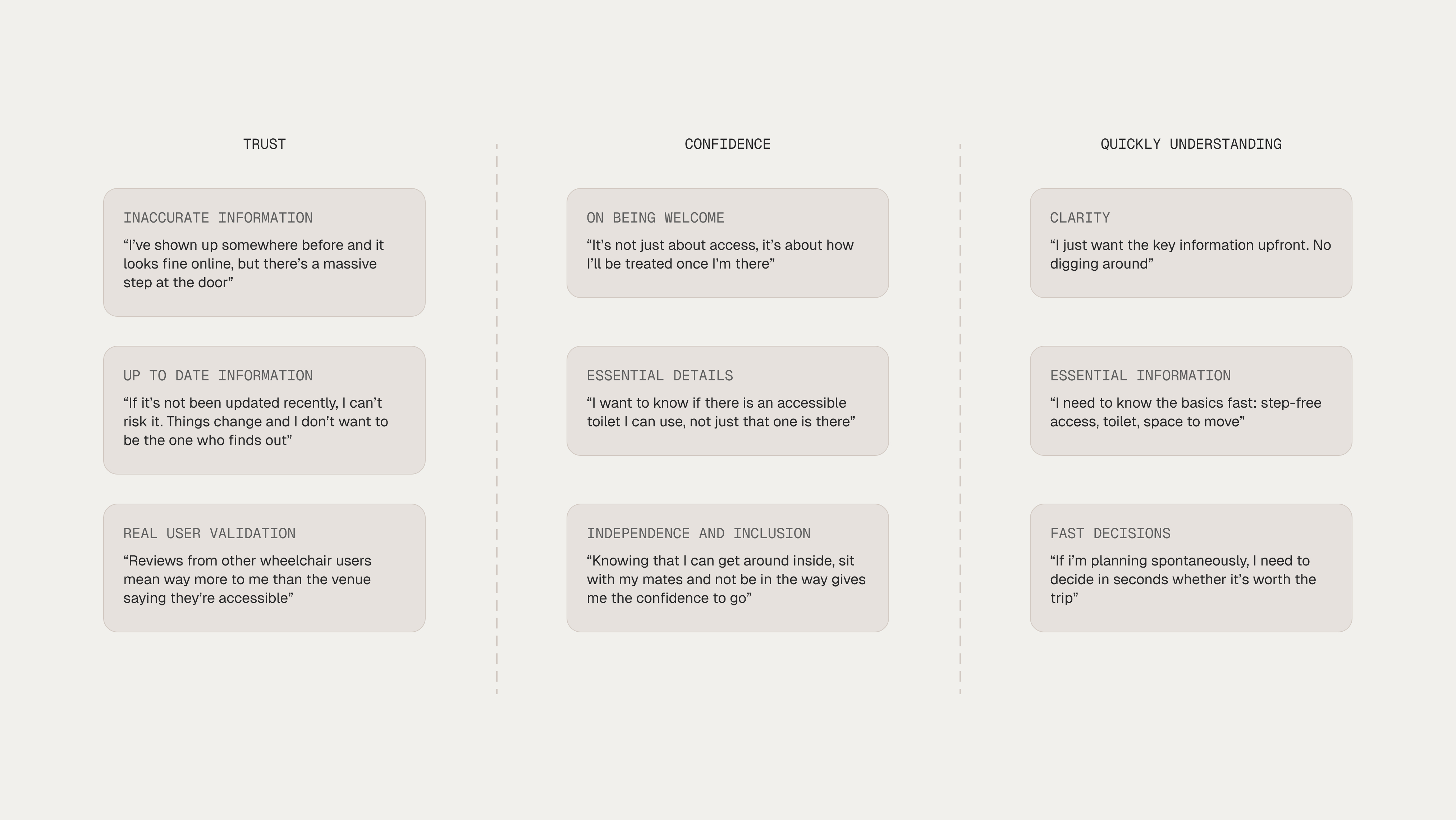
To understand the problem space, I audited existing accessibility platforms and spoke with disabled users about what they weigh up before leaving home. Three themes surfaced again and again: trust, confidence, and quickly understanding whether a venue will work. I grouped people's own words under each to see what mattered most.
Designing for confidence
Early exploration focused on a simple question: how quickly can someone determine whether a venue will work for their needs?
Rather than treating accessibility as a collection of features, the goal was to create an experience that helped people discover venues, understand key information, and make confident decisions before leaving home. Through rapid prototyping and iteration, three principles emerged that shaped the final product.
Bringing personality to accessibility
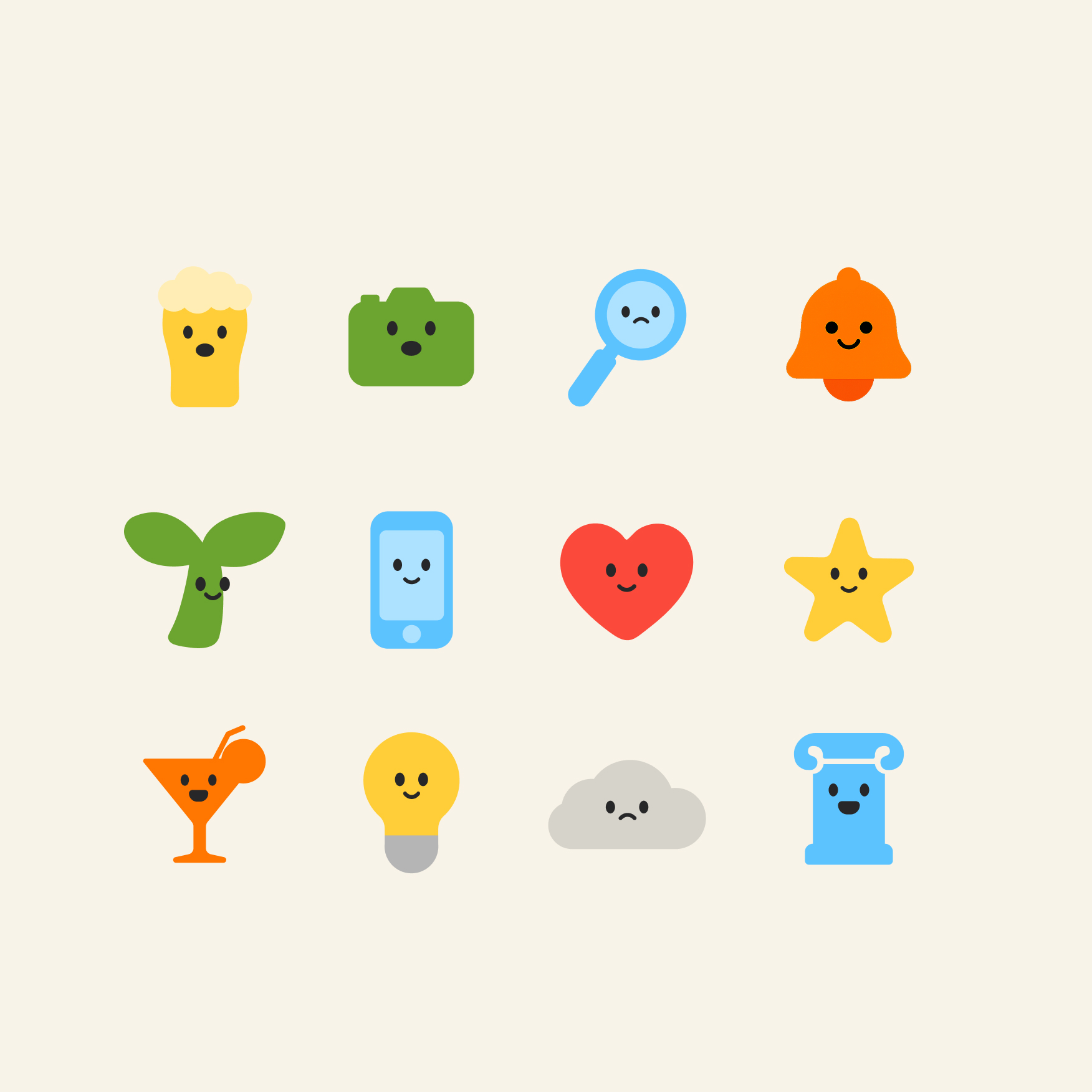
Many accessibility platforms focus solely on functionality. Spotable combines trusted venue information with a playful visual identity, creating an experience that feels friendly, optimistic, and easy to use. By making accessibility information more approachable, the product encourages exploration while helping users make informed decisions with confidence.
Prompt. Prototype. Refine. Repeat.
Spotable was built using a workflow that moved from design system creation to front-end prototyping and backend integration. Establishing components early, testing them in a live environment, and refining them against real functionality created a faster and more collaborative path from idea to product.
Establish the Design System
Used Figma, Claude Code, and Figma MCP to create the product's core components, patterns, and foundations.
Build the Application
Translated designs into React components using Claude Code and VS Code, testing interactions in a real browser environment.
How has this project improved me as a designer?
Spotable was my first project using Claude Code and Figma MCP as part of a serious design workflow. Moving between design, prototyping, and implementation allowed ideas to be tested earlier, building confidence in both decision-making and execution. It also reinforced the importance of validating assumptions with a broader range of users.
Building onboarding experiences and design system foundations while introducing AI-assisted processes across the design workflow.
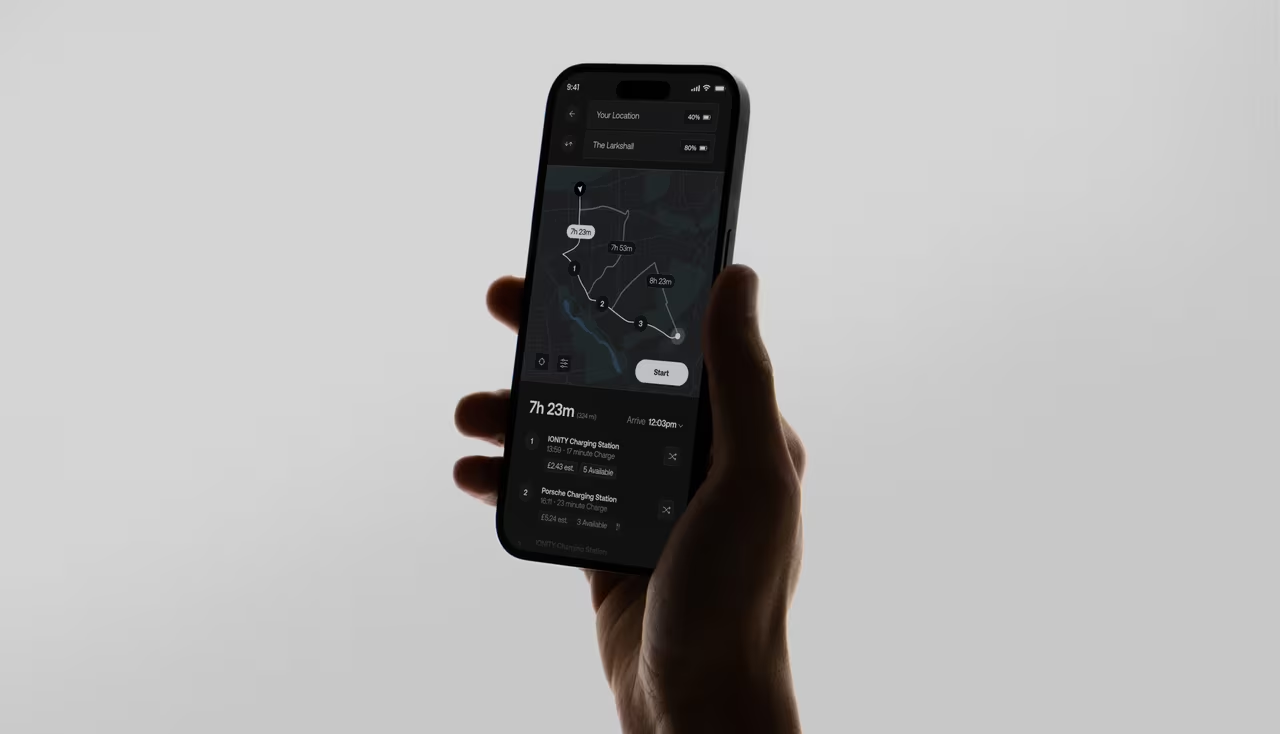
An intelligent EV charging app that eliminates range anxiety by automatically identifying optimal charging stations using real-time vehicle and battery data.
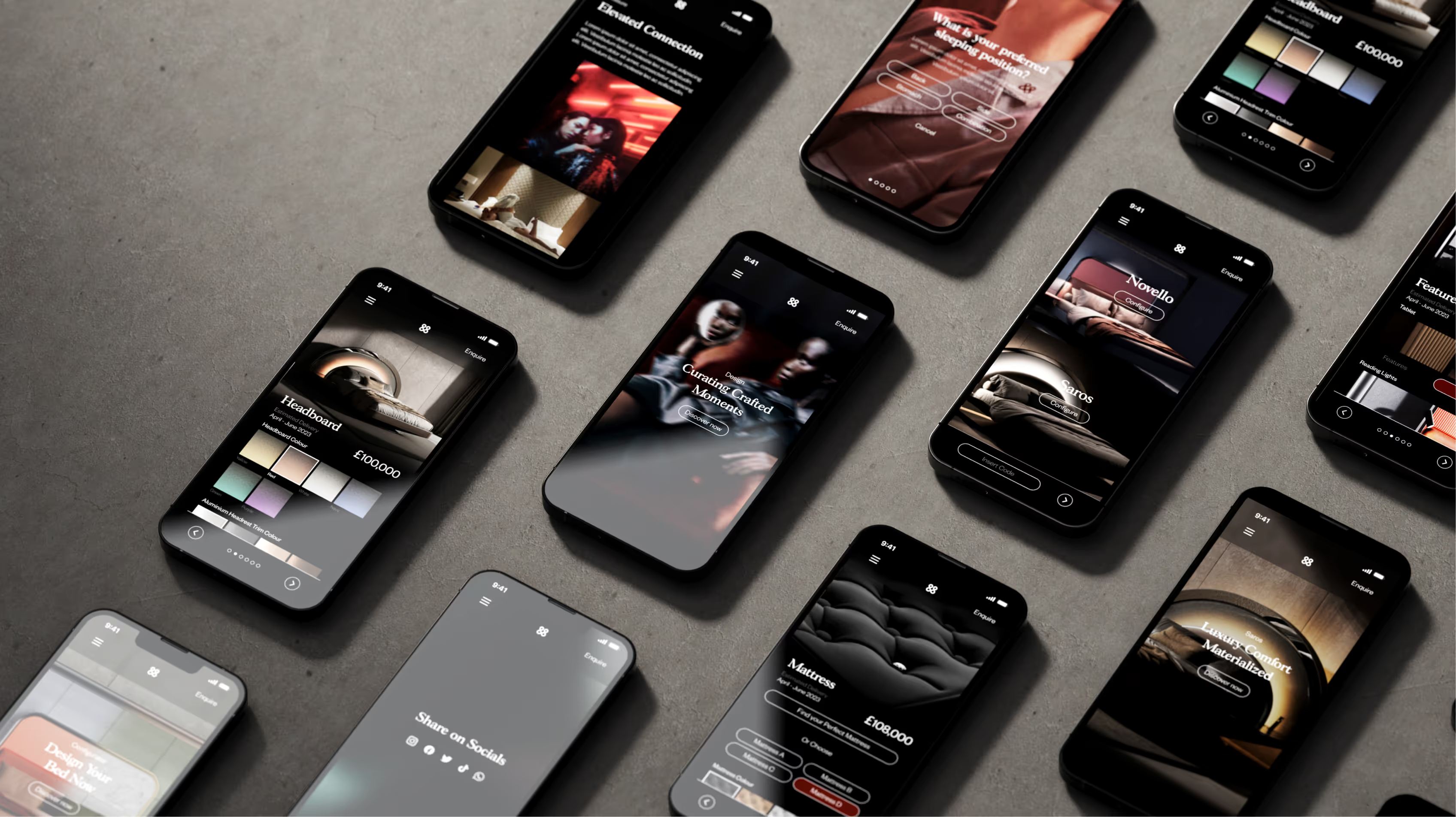
Understanding how £100,000+ beds are sold online through photorealistic 3D configuration and material visualisation.
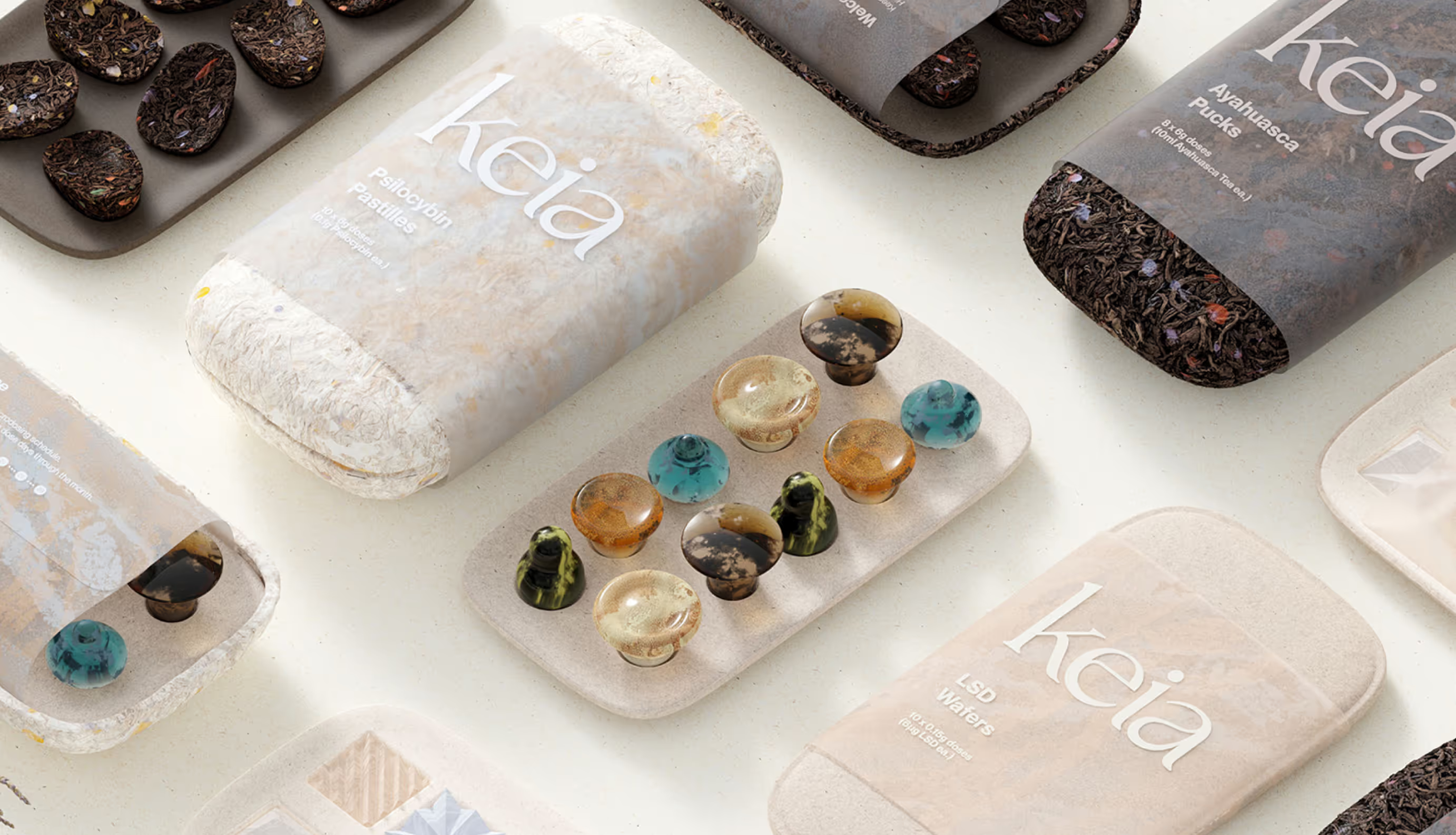
A collection of design work, some made it to launch, others were experiments exploring ideas across industrial design, branding, packaging, and UX.